Layering text over a photo is a fun and dynamic style choice! To accomplish this, follow these steps:
-
Create a text box and drag it over to the photo you want to layer it over.
-
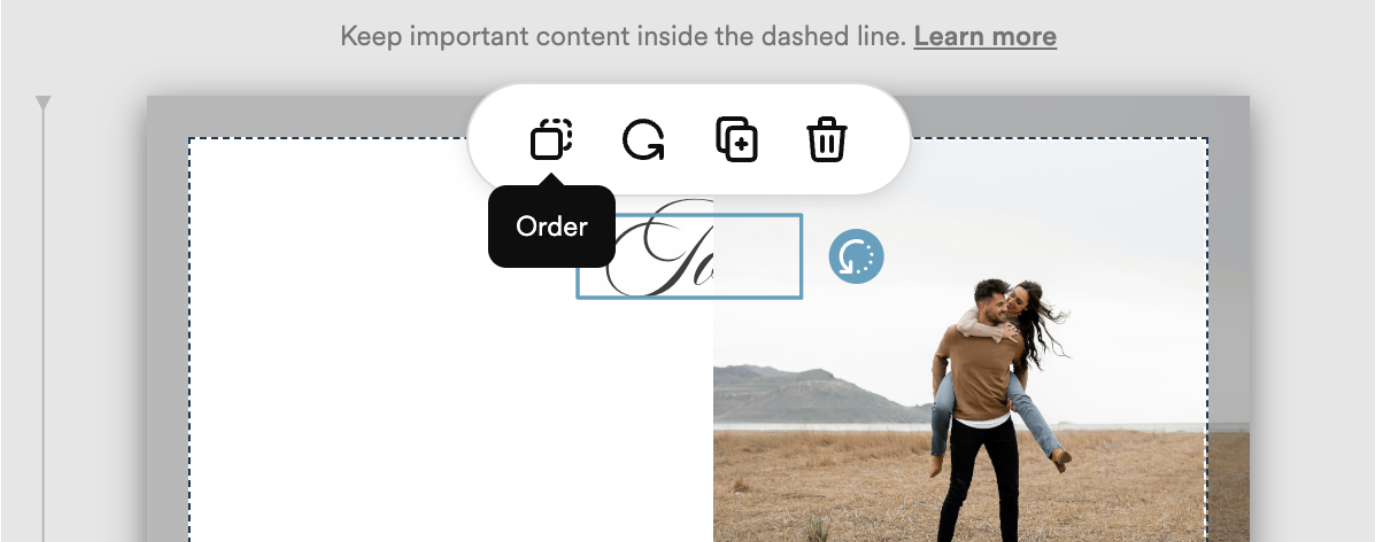
Highlight the text box by clicking on it, then click on the Order icon.
-
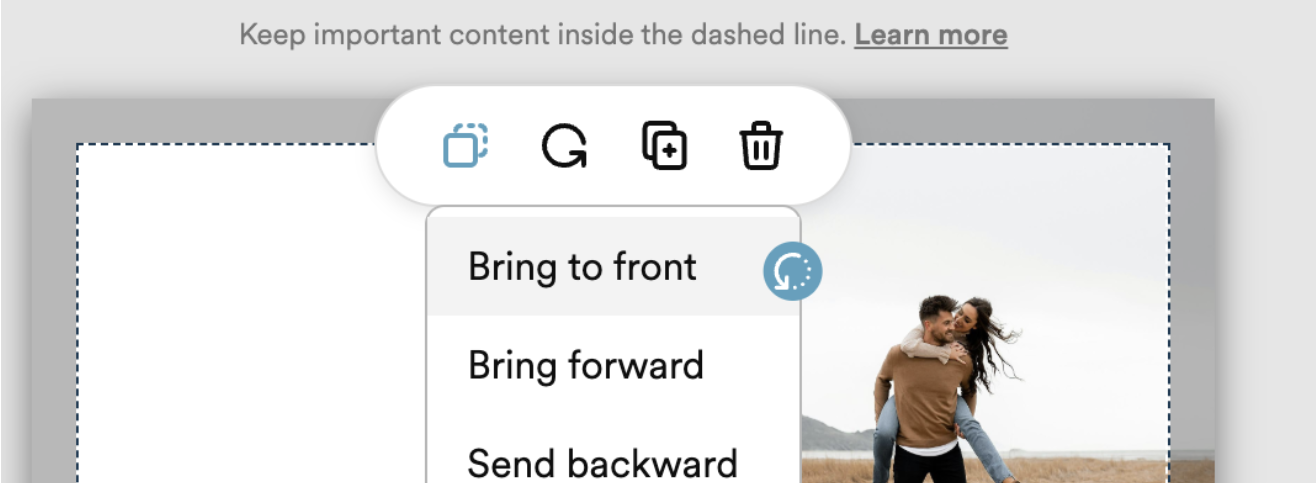
Select Bring to front to make sure the text is layered on top of the photo.
And that’s it! The result should have the text layered on top of the image.

Still need help? Feel free to reach out to support@zola.com - our team is standing by and ready to assist!