
Your wedding’s disposable camera
- Create a QR code for your guests to use - no app download required!
- Relive every wedding moment through your guests’ eyes, all in one album
- Share the final album whenever you want with Guest Messaging
How it works
Three steps to create and share your digital disposable camera.
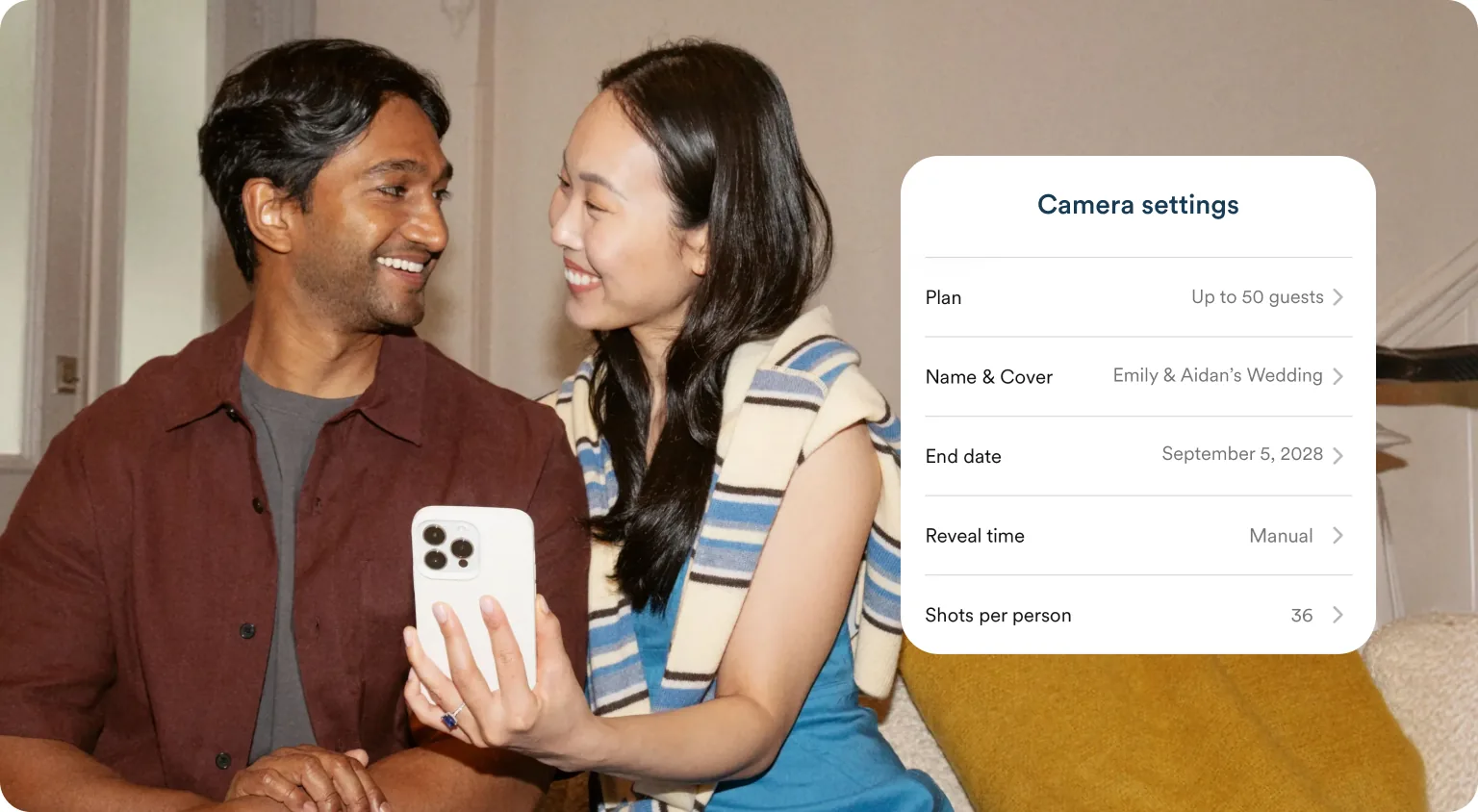
Create your event
Name it, set the date, and choose how many shots each guest has, all in a matter of minutes.
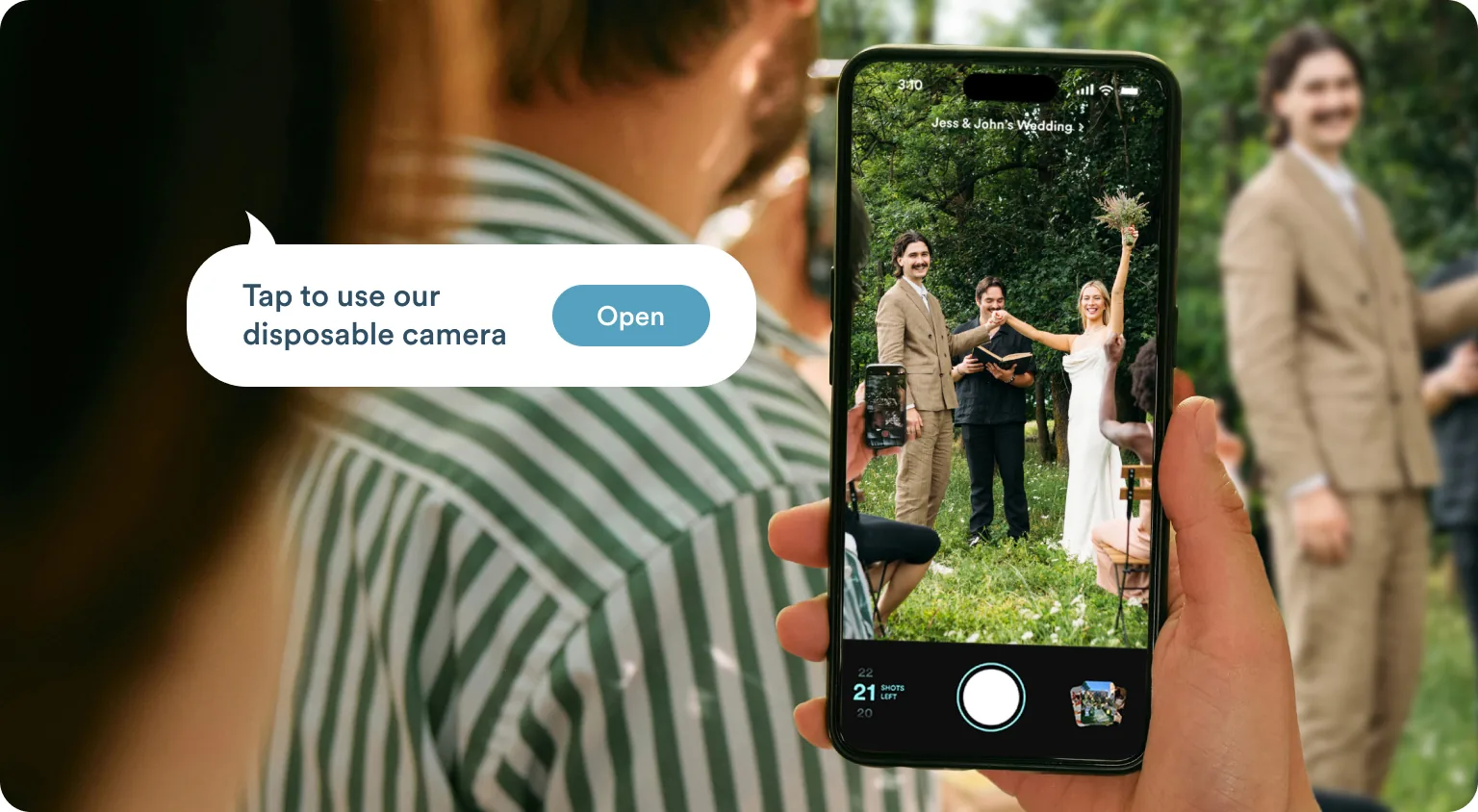
Share a QR code or text guests your link
Add your code to programs, menus, and signage, or text your guest list with Guest Messaging. No app, no download — just tap and snap.
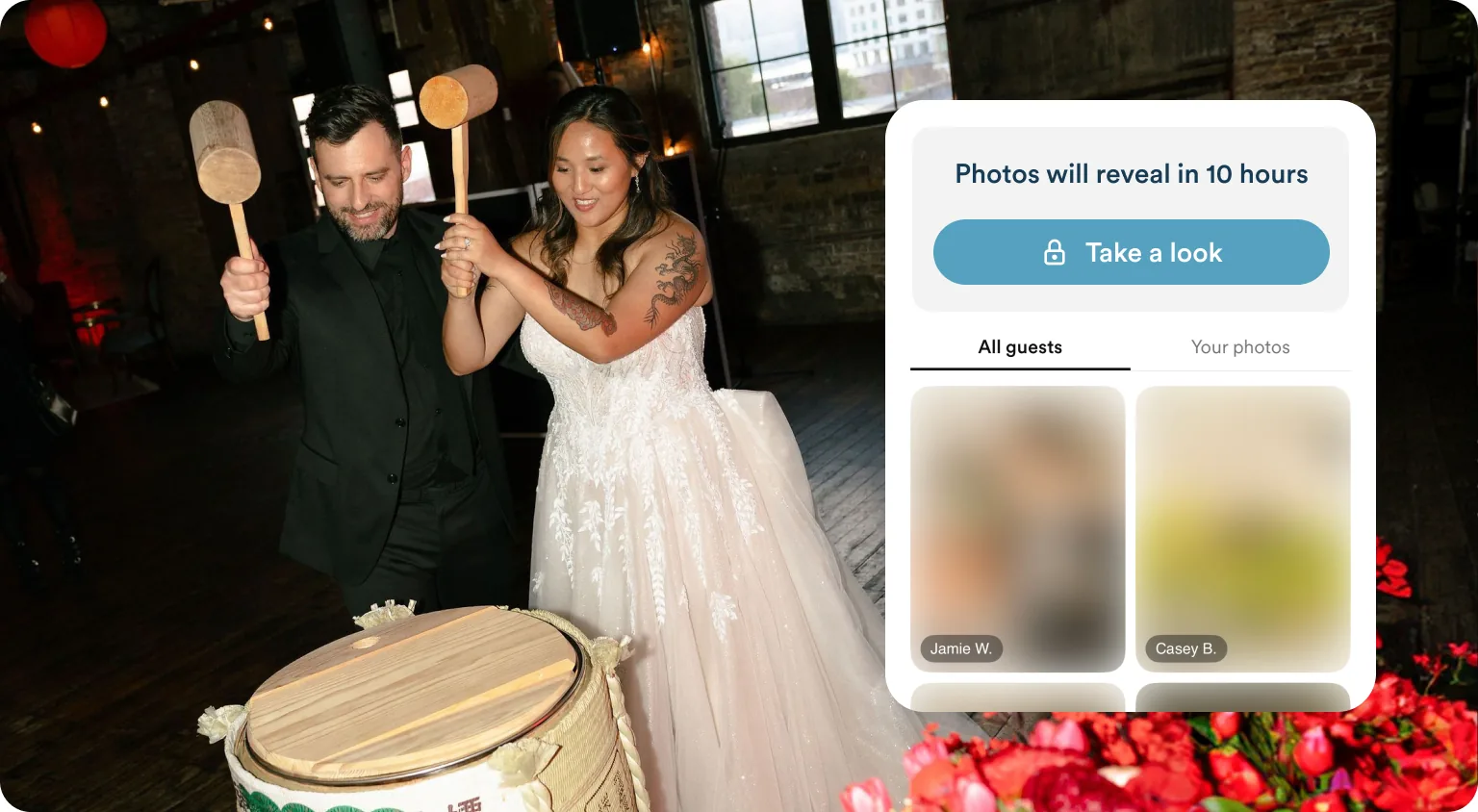
Reveal when you want
You see the shots first, remove any you don’t want, and share all your guests’ photos in one album with a single click.
Unfiltered moments, snapped by your guests and collected in one place.
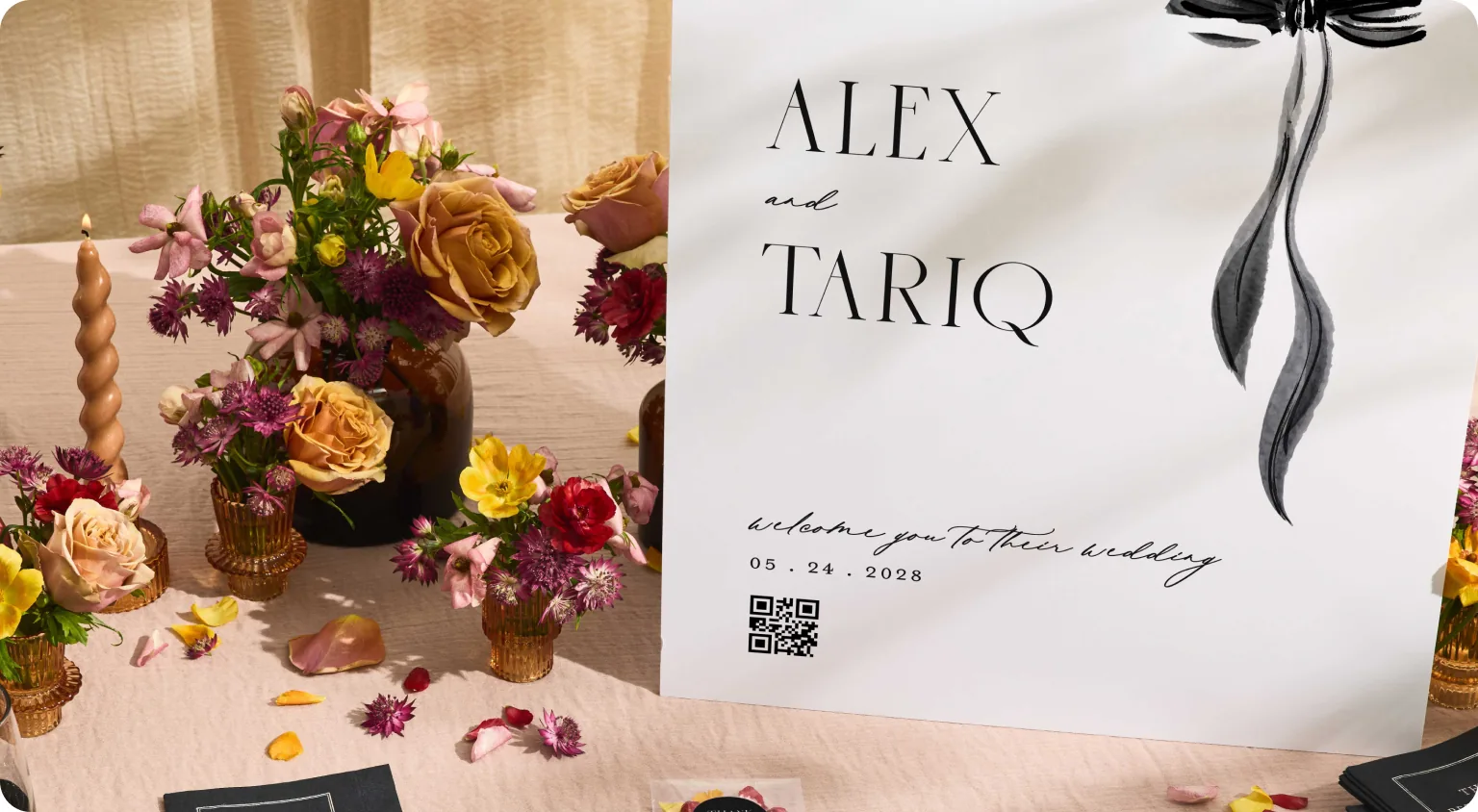
Create a shareable QR code or link
Create a QR code and print it on day-of signs so it’s easy for your guests to scan, or text everyone a link through our Guest Messaging tool.
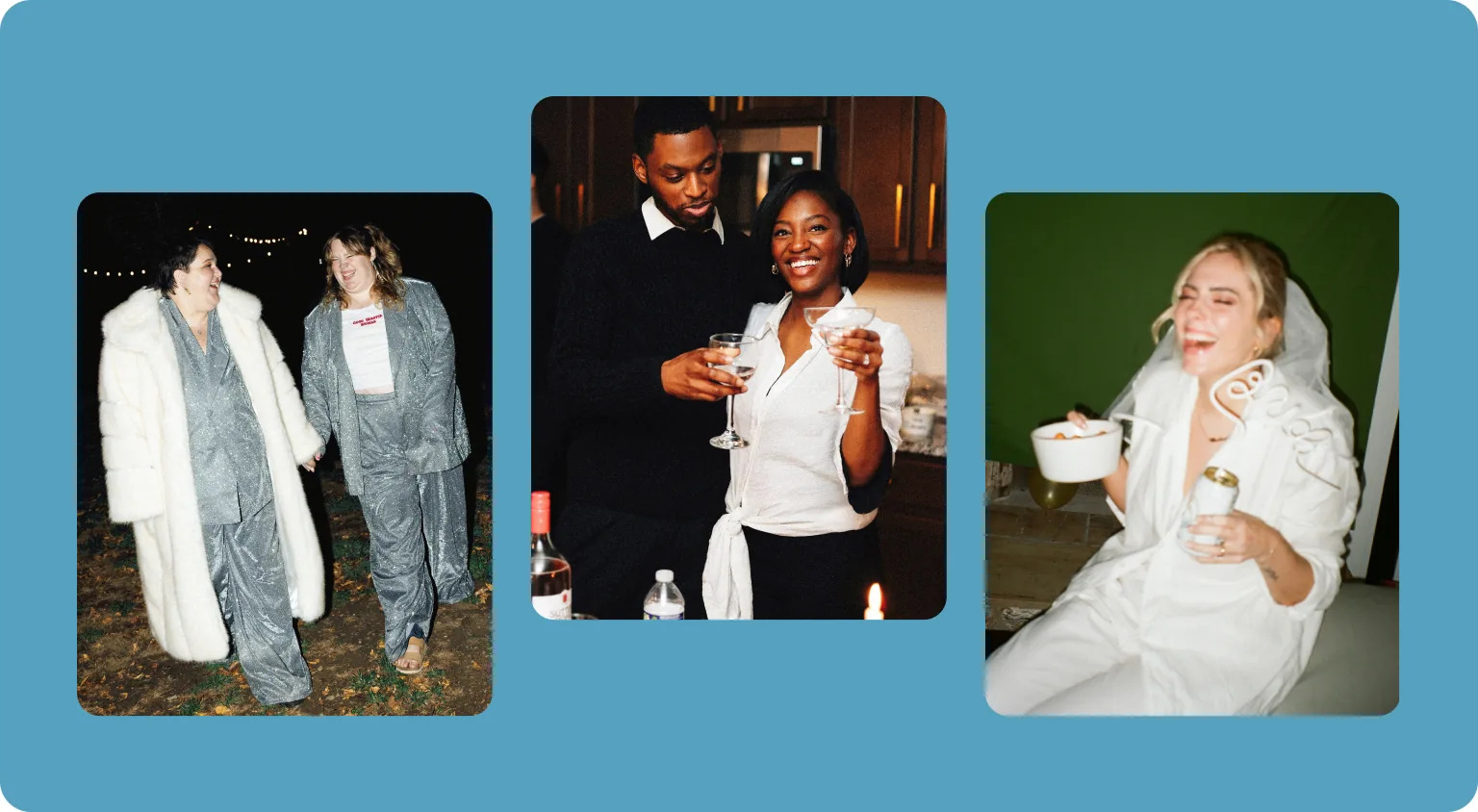
Not just for the day you say “I do”
Use it as a party camera for your bachelorette weekend, bridal shower, engagement party, or rehearsal dinner leading up to the big day.
Our team is always here to support you
Do guests need to download an app to use the Disposable Camera?
No downloading is required. Guests click the link you send through Guest Messaging, or they can scan a QR code at your event, and they're in. On iPhones, it launches instantly through an App Clip; on Android phones, it opens right in the browser. Either way, no disposable camera app required!
How do guests upload photos for my wedding?
Every photo that guests snap is automatically collected into a single gallery for you to review. You don’t need to set up any shared album, chase down a Dropbox link, or beg people to actually use it. It's the simplest way for wedding guests to upload photos: they just point and shoot, and the Disposable Camera handles the rest.
Is Zola's Disposable Camera feature free?
There is a free tier that lets you test the full experience with up to 5 guests. Pricing is based on how many guests you expect to join.
Can I see photos before my guests do?
Yes! Before you reveal the gallery, you can preview all the photos, decide what to share, and hide anything you don't want included. You control the timing of the reveal: instantly, when the event ends, 12 hours after, or manually reveal it when you're ready.
How do I share wedding photos with guests after the event?
Sharing your disposable camera photos with guests is automatic. When you're ready to reveal them, guests using iPhones will receive a push notification; Android users who opted in will receive an email. There’s no link to track down or extra message to send; they'll know the moment the gallery is live.
Can I use the Disposable Camera feature for events other than the wedding day?
Absolutely. You can create a camera setup for any event, such as a rehearsal dinner, after-party, morning-after brunch, or any event during a multi-day wedding weekend. Each one can be customized to the size of the event and guest list.
How do I display the QR code at my venue?
You can add your Disposable Camera QR code to any part of your paper suite, such as menus, place cards, welcome signs, and table numbers. Couples most commonly place their QR code on a sign near the entrance or bar, or on a place card at each table setting. You can also share it using Zola’s Guest Messaging feature, so every guest receives a text with camera access before your ceremony starts, and the QR code serves as a backup for anyone who missed the text.