Yes! If you have your guests' email addresses, you can send them all the notes you want (Heads up, we can't send messages via text at this time).
To send a message, head into your Guest List and click on the envelope icon near their name on your Guest list.

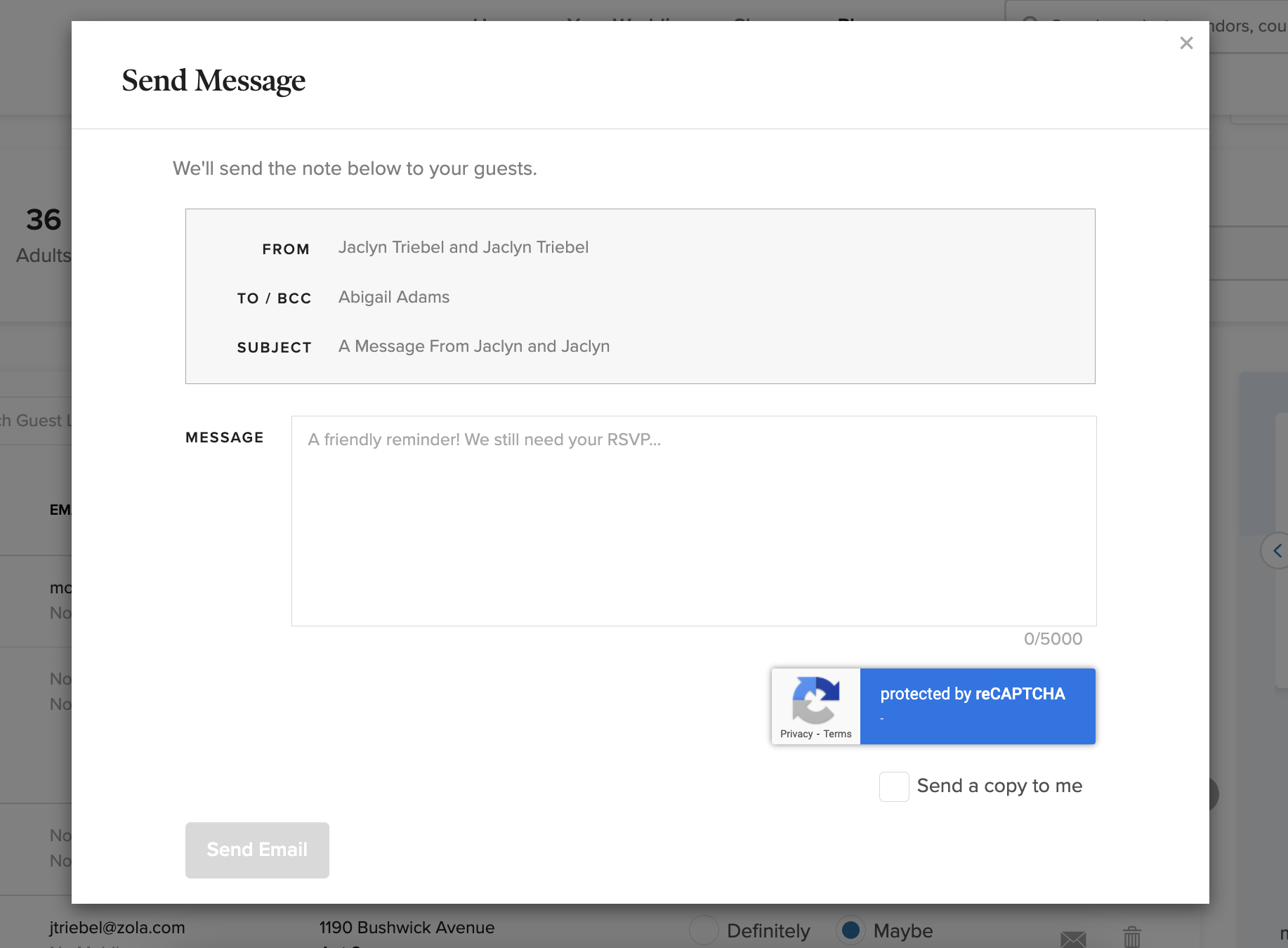
This will open a modal where you can write a message to your guest. We see a lot of couples using this tool to ask for RSVP's, to remind guests of the weather before the wedding weekend, to send alerts about shuttles...but you can use it for any messages! Note: This is a plain text email, and can't add attachments or photos - so its best used for quick updates.
If you want to send a message to more than 1 guest at a time or even to ALL of your guests, you can select all by clicking the square on the top left corner of your guest list.

Click the "Bulk Actions" drop down menu and choose "Send Message". Please note that you cannot send a message to a guest if you are missing their email address!
Working from the app?
Tap into the Guests + RSVP icon on your home screen > tap the envelope icon on the upper ride side of the screen, or the 'Message Guests' button at the bottom of the screen:

From here, you'll be redirected to a page with a few different options - choose the option to Send a Custom Email > then select the guests you want to message on the following screen. Keep in mind you can only message those guests who have an email address saved in your guest list!

Once you've chosen your guests, tap "Continue" and choose which messaging app in your phone you want to use to send your email. This will launch that app, and you'll be able to write and send your message from there!
