Adding a couple or family to your guest list is easier than ever!
When you click "+ Add Guests" in the right-hand corner of your Guest List, you can click the 'Plus one' to add additional guest, and click 'Add children' for any children or additional guests.
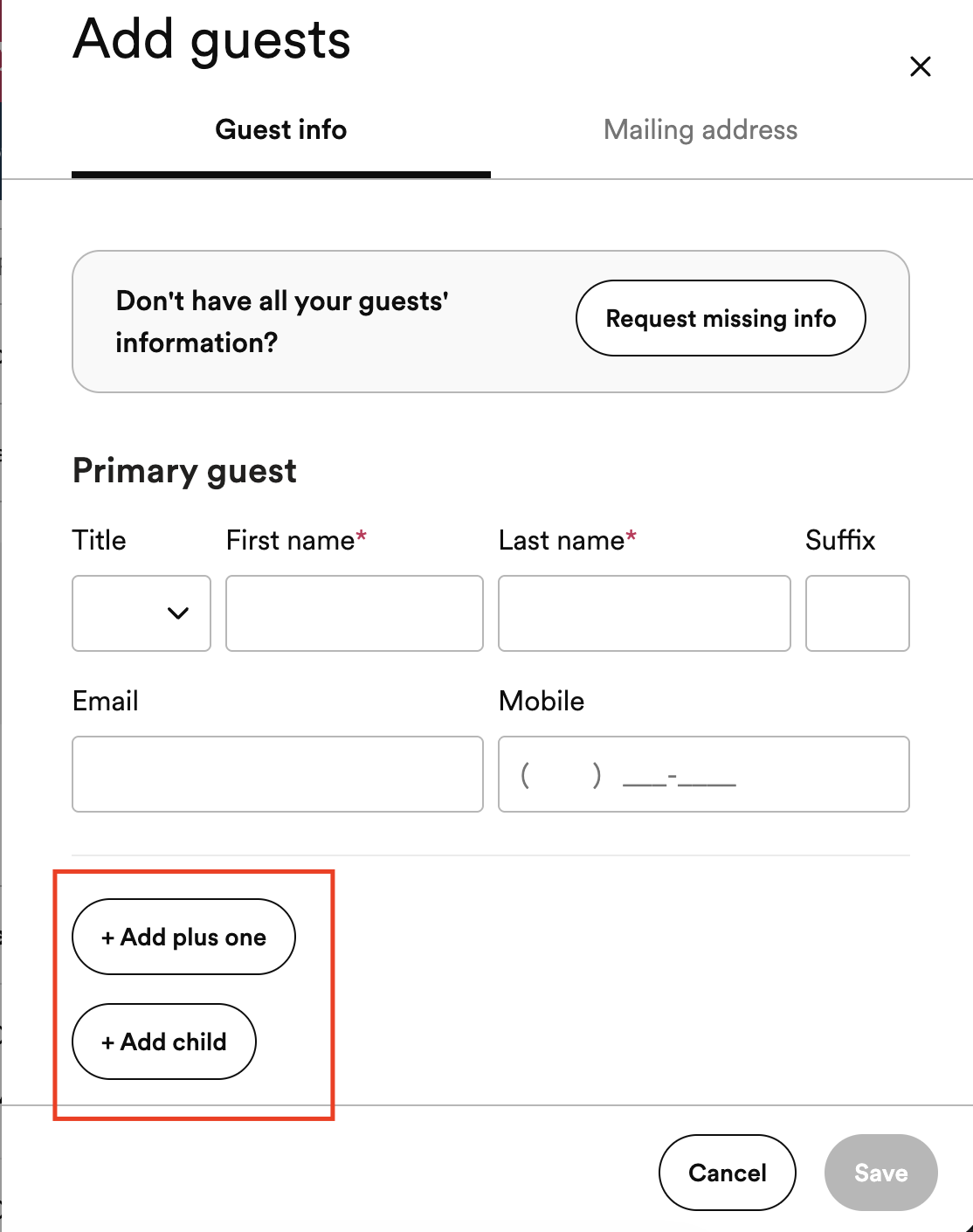
Traditional invitation etiquette suggests that each guest over the age of 18 should receive their own invitation, though it's becoming increasingly common for families to live together into adulthood. At the moment, each family entry can only have two adults listed - you can definitely still include other members of that family (even if they are adults), they should just be included as "children." Don't worry, your guests listed as "children" will not be notified that they are listed as such!
App Directions
If you're working in the app, just tap into the guest name you want to edit and you can add a plus one/partner, as well as additional children.

Still have questions? Feel free to contact us!